
Uncategorized
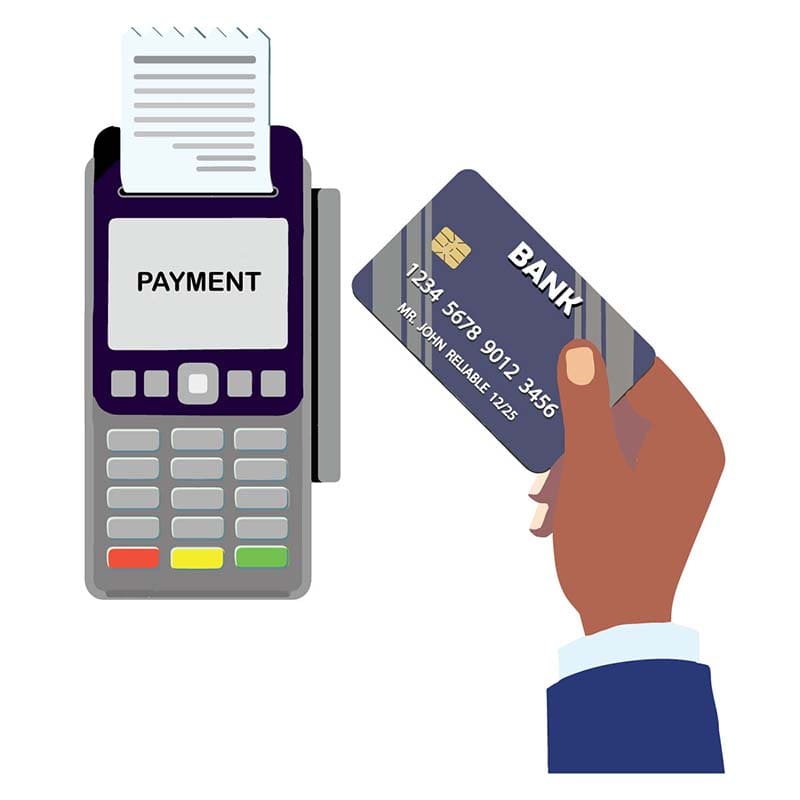
Payment
Steps to Make a Payment: 1. Enter Payment Details: In the field labelled "Enter Price Quoted," enter your payment amount.
Enter a valid phone number in the format XXX-XXXX. This will be required for order verification.
Click the "Add to Cart" button.
Once added, click the "View Cart" button to review your order details. 2. Review Cart: Review the items in your cart before proceeding to check out.
If everything looks good, click the "Proceed to Checkout" button. 3. Checkout: Fill out all required fields during checkout.
Include any “Additional Information” necessary in the designated field.
Under "Payment Method", select "Credit Card" or “Bank Transfer” as your payment option.
Once you've reviewed your information, click the "Place Order" button to finalize your payment.
Please enter the approved payment value below.